
Free Key Sentence Extractor
Paste your text and extract the most important original sentences from it. This tool does not write new content. It selects the strongest sentences from your own text.
How it works
- Paste your article, notes, essay, or study text.
- Optionally add a topic or keyword if you want the extraction to focus on one theme.
- Choose the maximum number of key sentence blocks you want back.
- Click Extract key sentences.
First use on a browser can take longer while the model loads. Later uses on the same browser are usually faster.
Choose any whole number from 1 to 30. The tool will return up to that many sentence blocks, depending on how your text is split by punctuation.
Privacy and legal notice
This tool is designed to process the text you paste in your browser. By design, the extraction itself is not intended to send your pasted text to our server for AI processing.
However, your browser may still request technical files needed to run the tool, such as model and runtime files delivered by third-party infrastructure. Standard website-level technical data, such as server and security logs, may also still be processed as part of normal website operation.
Please do not paste highly confidential, sensitive, medical, legal, financial, or private information into this tool.
Model used: Xenova/all-MiniLM-L6-v2. Published license: Apache-2.0.
Add this key sentence extractor to your own WordPress website
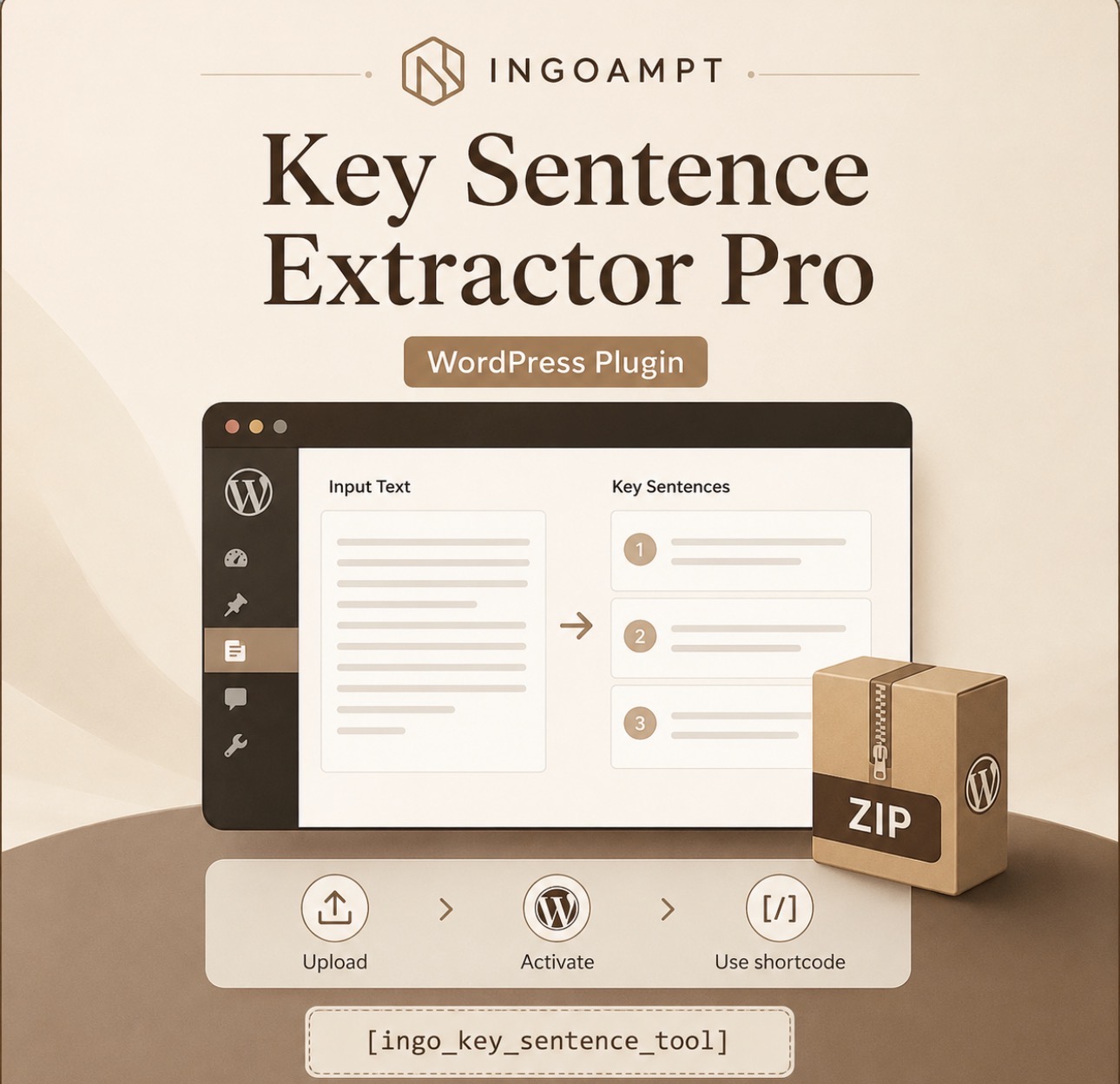
This download is for WordPress website owners who want to add a browser-based key sentence extractor to their own site. After purchase, you receive a plugin ZIP file that can be uploaded and activated like a normal WordPress plugin.
How to use the plugin after purchase
- Complete checkout and download the plugin ZIP file.
- In your WordPress dashboard, go to Plugins → Add New Plugin → Upload Plugin.
- Upload the downloaded ZIP file, click Install Now, then click Activate.
- Go to Pages → Add New and create any page where you want the extractor tool to appear.
-
Add this shortcode to that page:
[ingo_key_sentence_tool] - Publish the page. The page slug can be anything; the plugin loads on pages that contain the shortcode.
Important privacy note
The plugin is designed to process pasted text in the visitor’s browser. Technical model/runtime files may still be requested by the browser. Website owners should review the included privacy disclosure template and third-party notices before publishing the tool.
Use the checkout button on this page to purchase and download the plugin ZIP.