
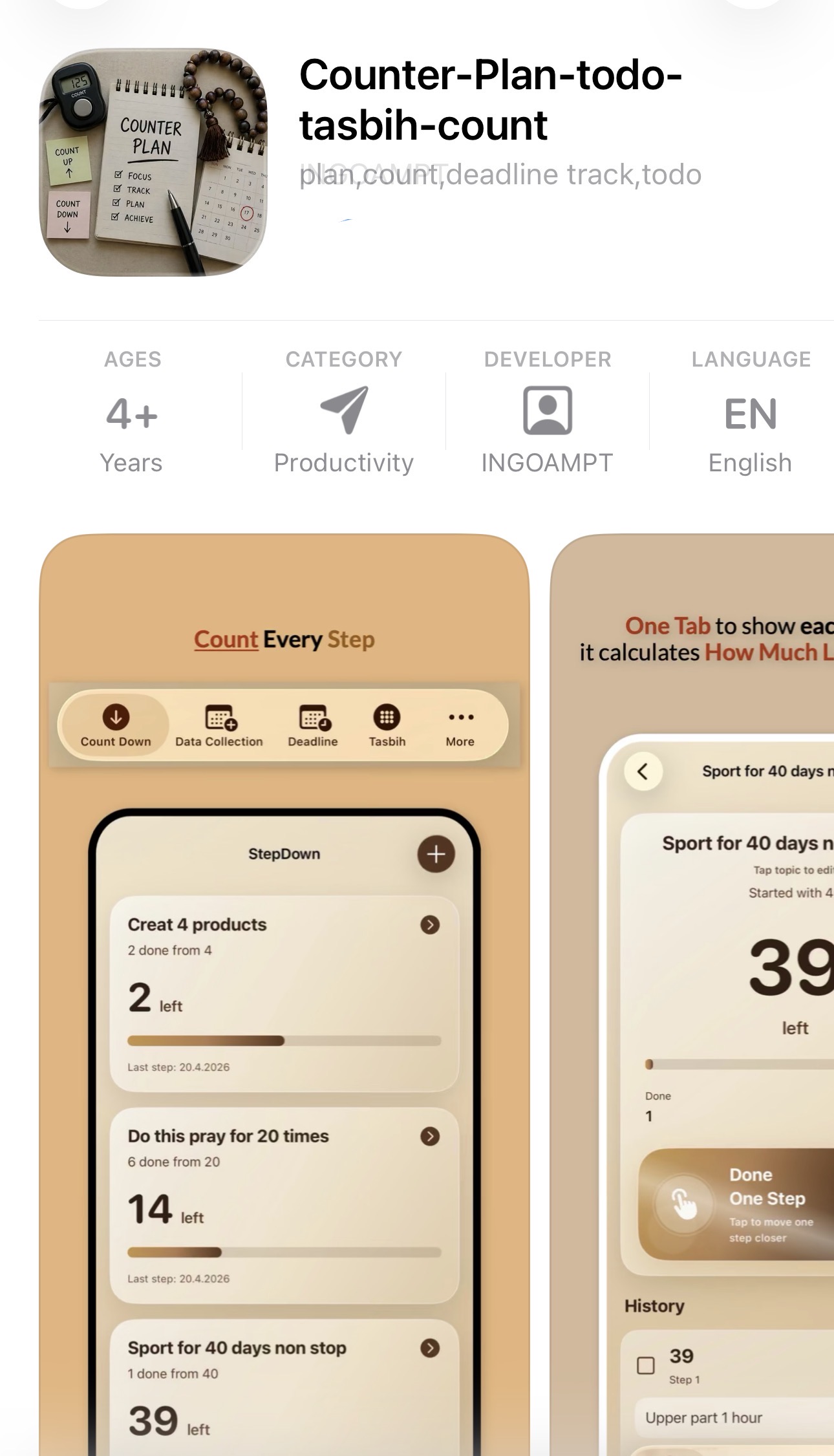
Counter App for iPhone: Countdown, Tally Counter, Click Counter, Daily Counts and Tasbih
Counter Plan is an iOS counter app for countdown goals, tally counting, click counting, tap counting, daily counts, tasbih, dhikr, deadlines, days-left tracking, notes, tasks and private date records.
- Countdown App iOS and Date Countdown App Count down from any number, track days left until a future date, follow deadline tasks, and use Counter Plan as a countdown app for iPhone, day countdown app, date countdown app and event countdown app.
- Tally Counter App and Click Counter App Count up progress for study pages, tasks, habits, lessons, goals, routines and repeated actions. Use it as a simple counter app, app tally counter, number counter app, tapping counter app or clicker app for counting.
- Tasbih Counter on Phone Create a tasbih topic, choose a target such as 33 or 100, and count tasbih, dhikr, zikr or repeated personal counting in one clean digital counter.
- Deadline Tracker, Days Left and Date Records Save start dates, end dates, expected future dates, deadline tasks and notes for personal planning, travel dates, projects, appointments, routines and private records.
Counter Plan — Countdown App, Tally Counter App, Tasbih Counter and Deadline Tracker in One App
Description
Counter Plan is an elegant all-in-one iOS counter app for private counters, countdown goals, tally counting, click counting, daily counts, tasbih, deadlines, tracking and date records. It helps you organize daily life, track personal progress, remember important dates, count repeated actions and keep your plans clear in one simple app.
Instead of using many separate apps for a countdown app, tally counter app, click counter app, daily count app, tasbih counter, deadline tracker, date countdown app, notes and tasks, Counter Plan brings the main tools together in one clear place.
Countdown App for iPhone
Use Counter Plan as a countdown app iOS tool, countdown app iPhone, countdown timer application, countdown time app, date countdown app and event countdown app.
Simple Counter App
Use it as a simple counter app, tally counter app, click counter app, tap counter app, number counter app, score counter app or app for counting repeated actions.
Tasbih and Dhikr Counter
Use the Tasbih tab as a tasbih counter app, tasbih counter on phone, tasbih shomar, dhikr counter or zikr counter.
Main Tabs
1. Count Down
Use Count Down when you want to start from a number and reduce it step by step. For example, create a topic called “Study Pages” and enter 40. Every time you finish one page or one step, tap the button and the app counts down: 40 → 39 → 38 → 37.
Each tap is saved with the date and time, so you can see exactly when you completed every step. You can use Count Down for study pages, therapy sessions, lessons left, tasks left, goals, daily plans, countdown goals, event preparation and personal targets. If you tap by mistake, you can delete that entry and the number corrects itself.
2. Data Collection
Use Data Collection to save important personal date records with notes. You can add start date, end date, expected future date and note.
Example: Topic: Period — Start: 1 May — End: 5 May — Expected: 29 May — Note: pain on first day, normal after day three.
Data Collection can be used for personal planning, health notes, medication notes, travel dates, project dates, appointments, important events, routine tracking, reminders and private notes.
The expected date is chosen by the user. Counter Plan does not give medical advice or medical predictions. It simply helps you collect and organize dates and notes clearly.
3. Deadline
Use Deadline when you have an important future date and want to know how many days are left. You can choose an exam date, travel date, project launch date, appointment date, routine date or event date. The app saves the target date and calculates the days left based on today’s date.
You can also add tasks you want to complete before the deadline and tick them when they are done. This makes Counter Plan useful as a deadline tracker app, days-left tracker, days left app, date countdown app and private planning tool.
4. Tasbih
Use Tasbih as a digital tasbih shomar, tasbih counter app, tasbih counter on phone, dhikr counter or zikr counter. Create a tasbih topic, choose a target such as 33 or 100, then tap the counter button. The app can show current count, target count, total count and recent count history.
5. Count Up
Use Count Up when you want to count how many times you did something. For example, create a topic called “Workout”. Every time you exercise, tap Add One. The app counts: 0 → 1 → 2 → 3.
Each count is saved with date and time. You can also add a note to each count. Use it as a daily count app, goal counter app, habit count tracker, personal count tracker or repeated action tracker.
6. More
The More tab lets you visit the INGOAMPT website for more apps, tools and articles. You can also support the app by giving stars through Apple’s official App Store review prompt.
Why Choose Counter Plan?
Counter Plan is made for people who want a simple counter app to organize daily life, track progress, count repeated actions and remember important dates. It combines count down, count up, tally counter, click counter, tasbih counter, deadline tracking, days-left tracking, notes and date records.
With Counter Plan, you can:
- use a countdown app iOS tool for goals, tasks and future dates
- use a countdown app for iPhone to track days left and event dates
- count down from any number
- count up progress
- use a tally counter app or app tally counter
- use a click counter app, tap counter app or tapping counter app
- use a simple counter app, number counter app or goal counter app
- track daily counts and repeated actions
- track deadlines and deadline tasks
- calculate days left until an important date
- save start and end dates
- save expected future dates
- add notes to counts and date records
- use a tasbih counter app, dhikr counter or zikr counter
- edit records, delete mistakes and keep your daily plan organized
How It Works
- Choose the tab you need: Count Down, Data Collection, Deadline, Tasbih or Count Up.
- Create a topic, number, date, target or note depending on what you want to track.
- Tap to count, save dates, update notes or tick deadline tasks when they are finished.
- Use Counter Plan as your daily app for countdown goals, tally counting, tasbih, deadlines, tracking and date records.
What Counter Plan Is Not
Counter Plan is not a calorie counter, food counter, step counter, pedometer, money counter, card counter, row counter, sobriety counter, Google Clock replacement, WhatsApp countdown, Windows countdown widget, macOS widget, online stopwatch or game life counter. It is focused on countdowns, tally counts, click counts, tasbih, daily counts, deadlines, notes, tasks and private date records.
Counter Plan FAQ
Can I use Counter Plan as a countdown app for iPhone?
Yes. You can use it as a countdown app iOS tool, countdown app iPhone, countdown timer application, countdown time app, date countdown app, day countdown app and event countdown app.
Can I use it as a tally counter app?
Yes. You can use Counter Plan as a tally counter app, app tally counter, click counter app, tapping counter app, simple counter app, number counter app or app for counting repeated actions.
Can I use it as a tasbih counter on phone?
Yes. The Tasbih tab lets you count tasbih, dhikr, zikr or repeated personal counts with a target and count history.
Can I use it as a daily count app?
Yes. You can use Counter Plan as a daily count app, goal counter app, habit count tracker, personal count tracker and repeated action tracker.
Can I track deadlines and days left?
Yes. Counter Plan lets you add a future date, see how many days are left, add tasks connected to the deadline and tick tasks when they are done.
Download Counter Plan today
Download Counter Plan today and use it as a counter app, countdown app iOS tool, countdown app for iPhone, tally counter app, click counter app, daily count app, tasbih counter app, goal counter app, deadline tracker and date record app.
Apple Store