November 12, 2026 (New York time). Adobe’s latest MAX Sneaks preview is asking a useful design question: must people talk to an AI model to control creative work? Ten research concepts shown at MAX explore brushes, drags, editable controls and real-time manipulation instead of relying on lengthy prompts. For developers, the more important story is how AI can become a direct-manipulation feature inside a product.
What Adobe is showing
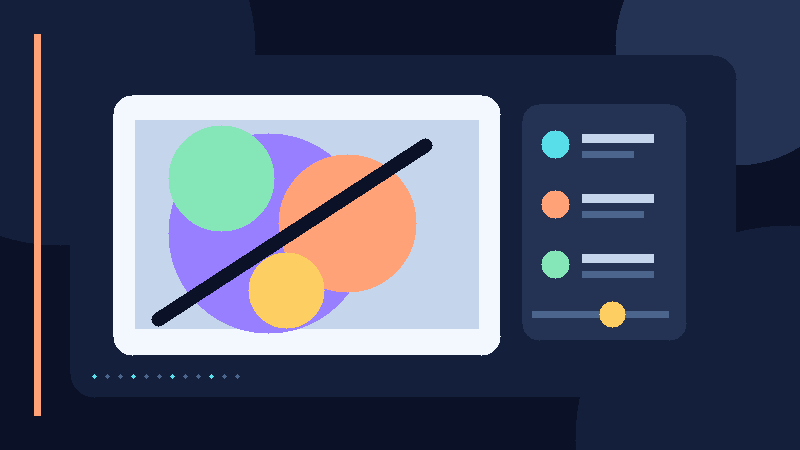
According to original reporting published by The Next Web at 5:08 a.m. EST on November 12, two previews—Project Deep Brush and Project Hands On—are available to try in Adobe Labs Playground. Deep Brush separates image information into manipulable visual qualities. Hands On offers on-canvas controls for reshaping details rather than describing every change in chat. Other concepts presented at MAX cover multi-shot video edits, editable vectors and audio exploration.
These are research previews, not promises of shipping features. The Next Web also describes Adobe’s research on how creative professionals discover their intent while working. Its cited studies involved 82 participants; that is informative design evidence, not proof that every creator prefers the same interface.
Why builders should care
A generic chat box forces users to convert precise visual intent into language. A brush stroke or drag exposes the desired area, magnitude and direction. That can reduce ambiguity, but it creates different engineering challenges: low-latency updates, undo history, editable outputs, accessibility and predictable results across devices.
A practical product experiment
- Choose one narrow editing job such as background cleanup, chart annotation or screenshot redaction.
- Build two interfaces on the same underlying model: a text prompt and a direct manipulation control.
- Ask five to ten users to finish the same task while recording time, corrections, confidence and accessibility friction.
- Preserve a non-AI undo route and make generated changes inspectable before export.
- Compare completion quality and cost; favor the interface users actually understand, not whichever demo looks more magical.
The opportunity—and limits
The opportunity for small SaaS teams is not to recreate Photoshop. It is to bring a precise visual control to a focused workflow—product image QA, social content localization or accessible document markup—with measurable time savings. Adobe has not committed to releasing all ten experiments. Independent teams must also respect Adobe’s trademarks and intellectual property.
Source: The Next Web, first published November 12, 2026 at 10:08 UTC (5:08 a.m. EST). This article is INGOAMPT’s independent analysis of the workflow implications, not an Adobe product announcement or endorsement.